Visualization
Shopfloor
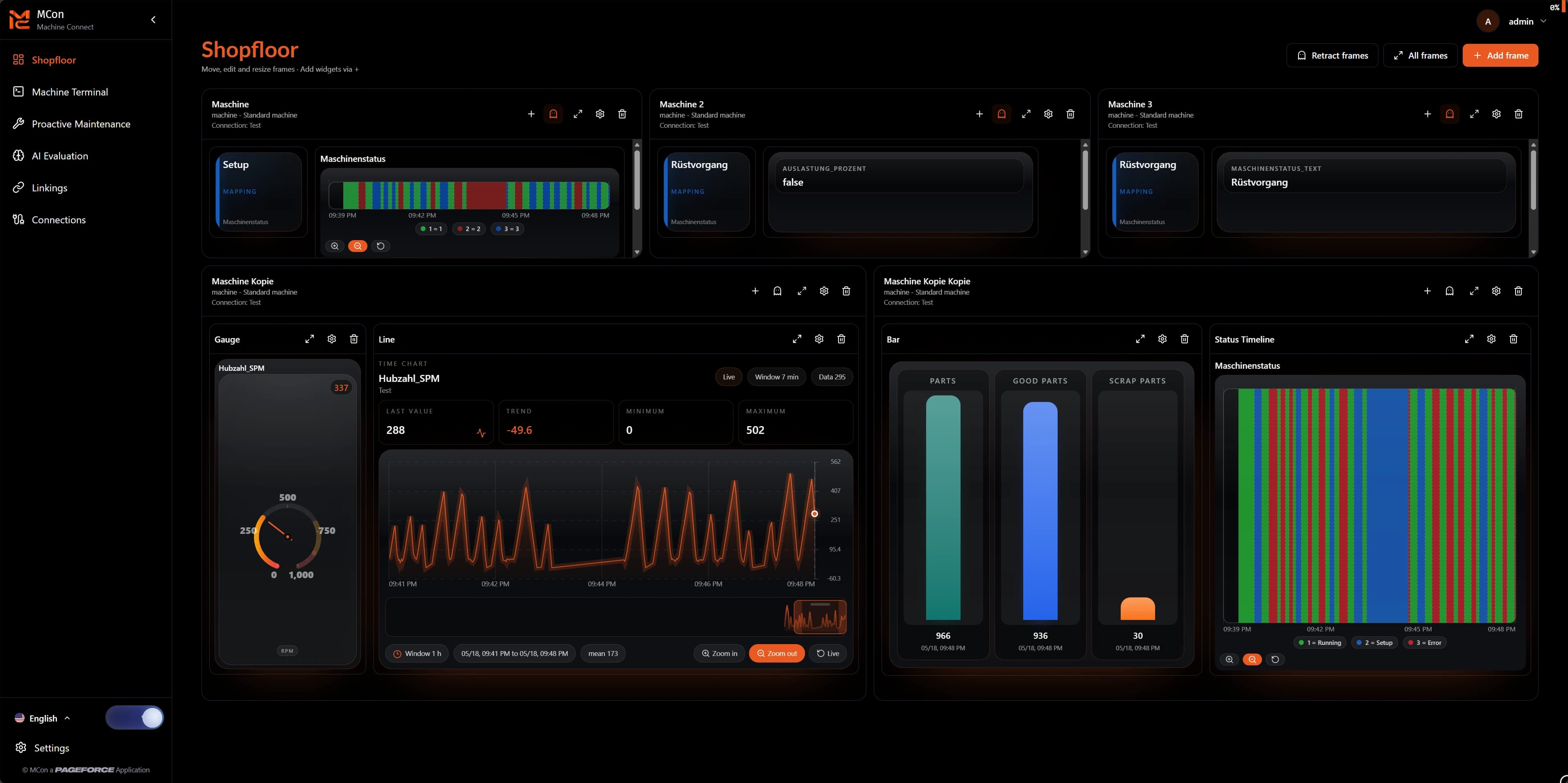
Display machines, areas and states in an operable production view.
MCon | MachineConnect
Connect machine data, structure signals and make production information visible in real time with a modern platform for industrial machine analytics.
Why MCon?
Many production data points remain unused because they are hidden in machine controls, individual interfaces or systems that are difficult to access. MCon creates one central interface to connect, structure and present this data clearly.
Whether machine status, production values, connection states or custom KPIs: MCon helps turn raw data into useful information for production, maintenance and analytics.
Connections
8 active
Machines, controllers and data sources in view.
Signals used
128 / 500
Relevant data points for shopfloor and linkings.
License
Professional
Manage modules, limits and customer-specific unlocks.
MCon modules
The product preview follows the real MCon interface: Shopfloor, Machine Terminal, Proactive Maintenance, AI Evaluation, Linkings and Connections form the core for industrial machine analytics.
Display machines, areas and states in an operable production view.
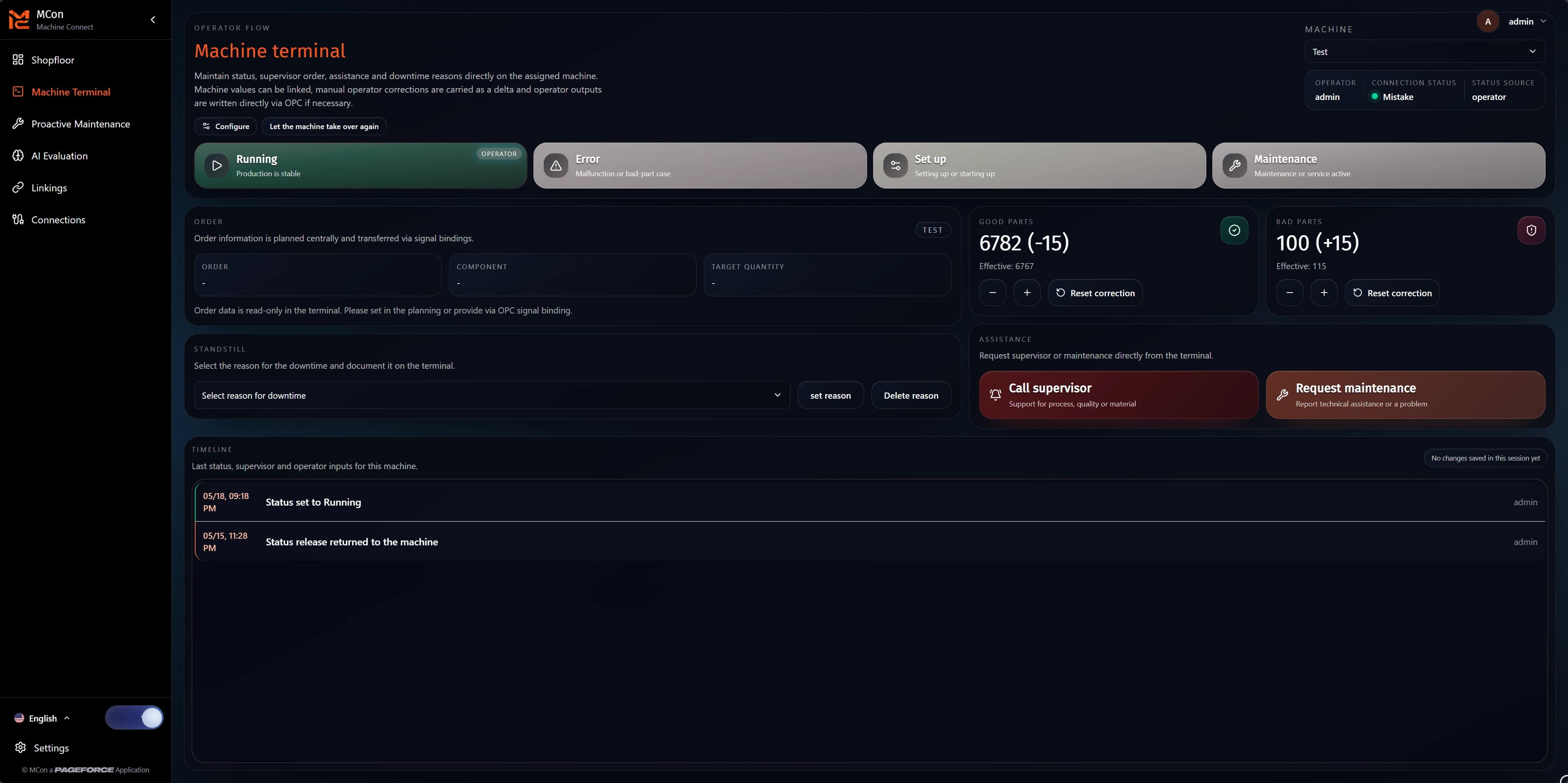
Bundle machine-level information, operator states and relevant values for production use.
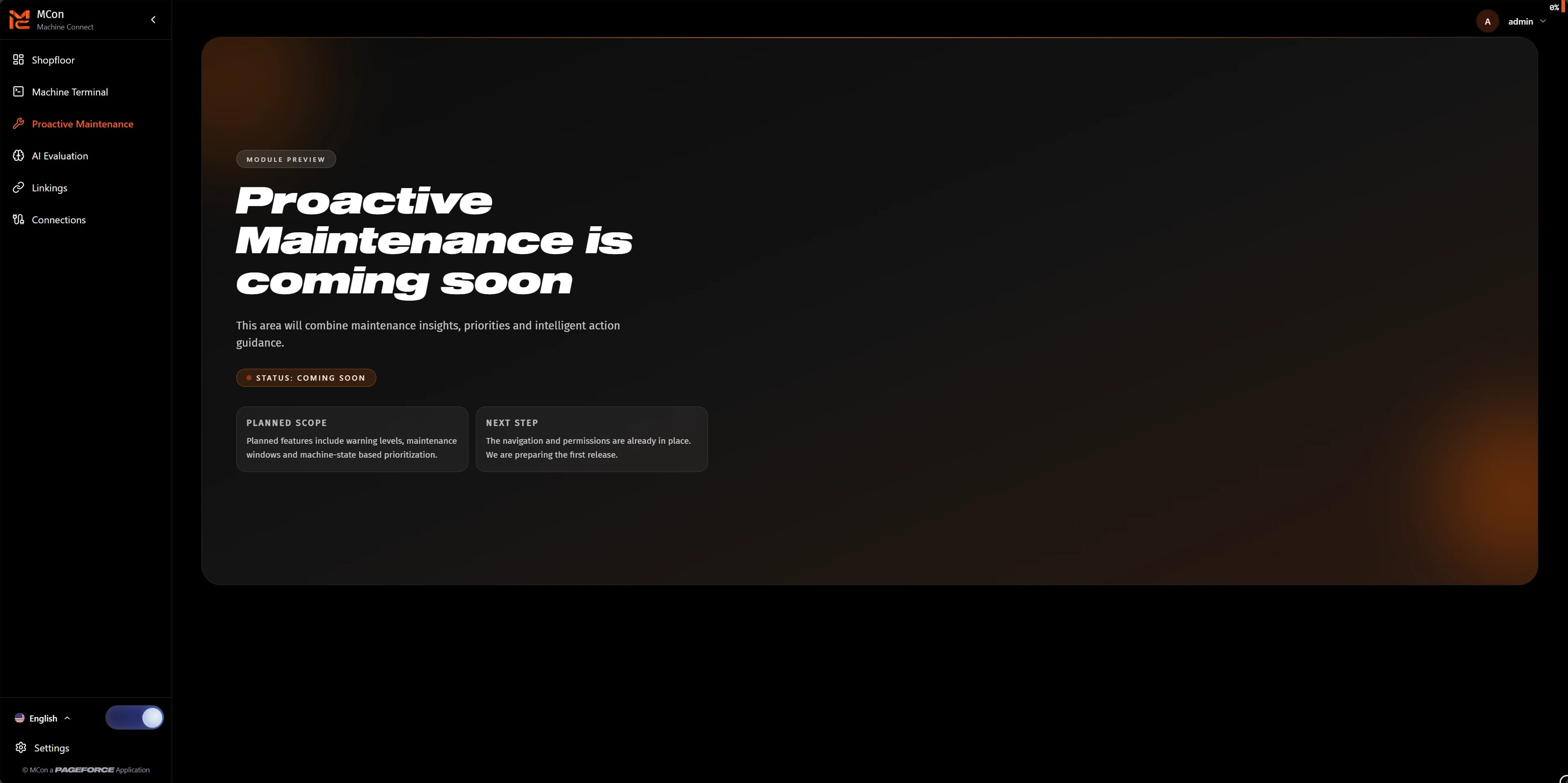
Detect maintenance needs early and plan service work more clearly during operation.
Evaluate machine data intelligently and surface patterns for analytics, quality and operations.
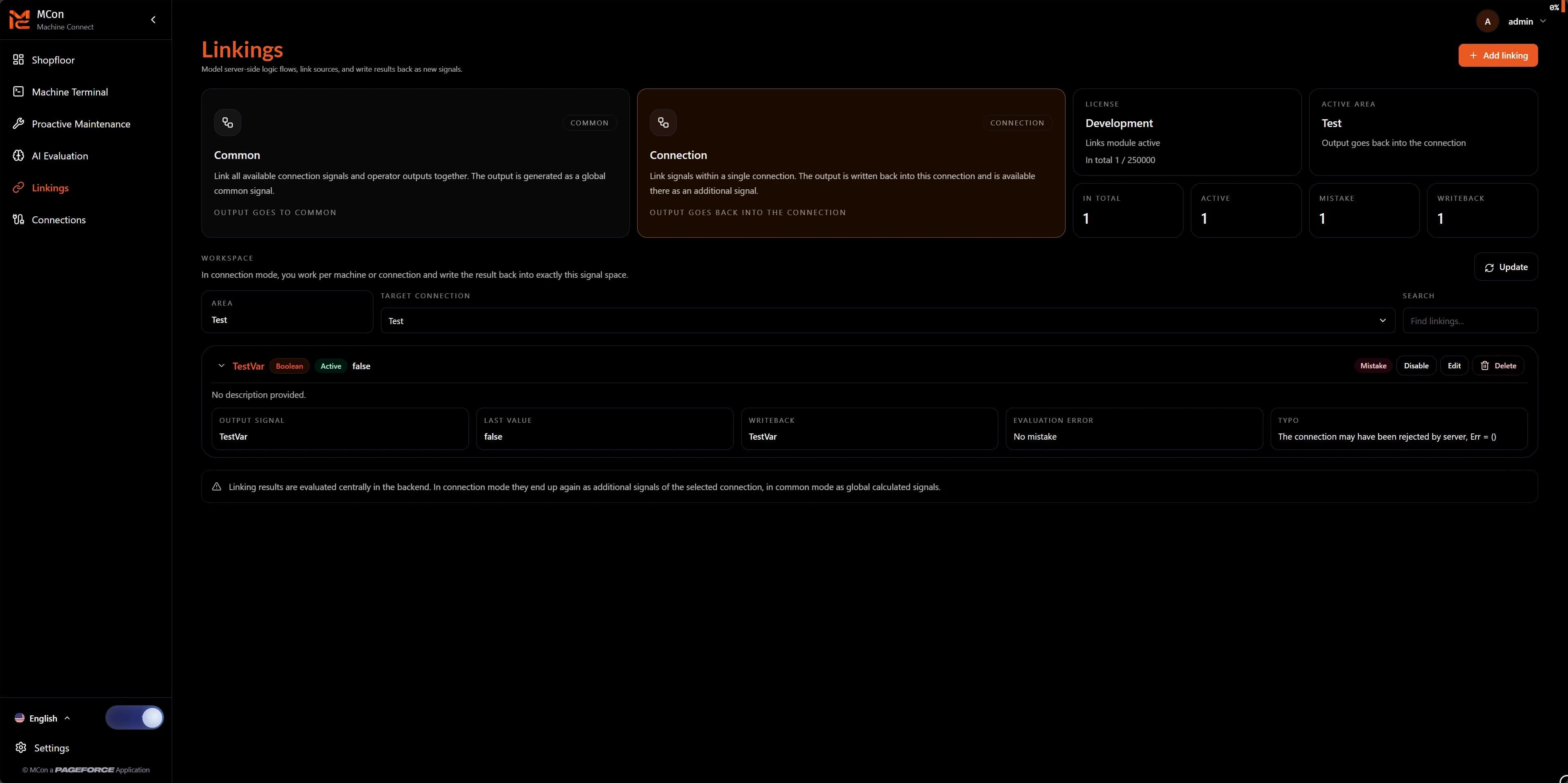
Connect signals logically and derive states, KPIs or switching information from them.
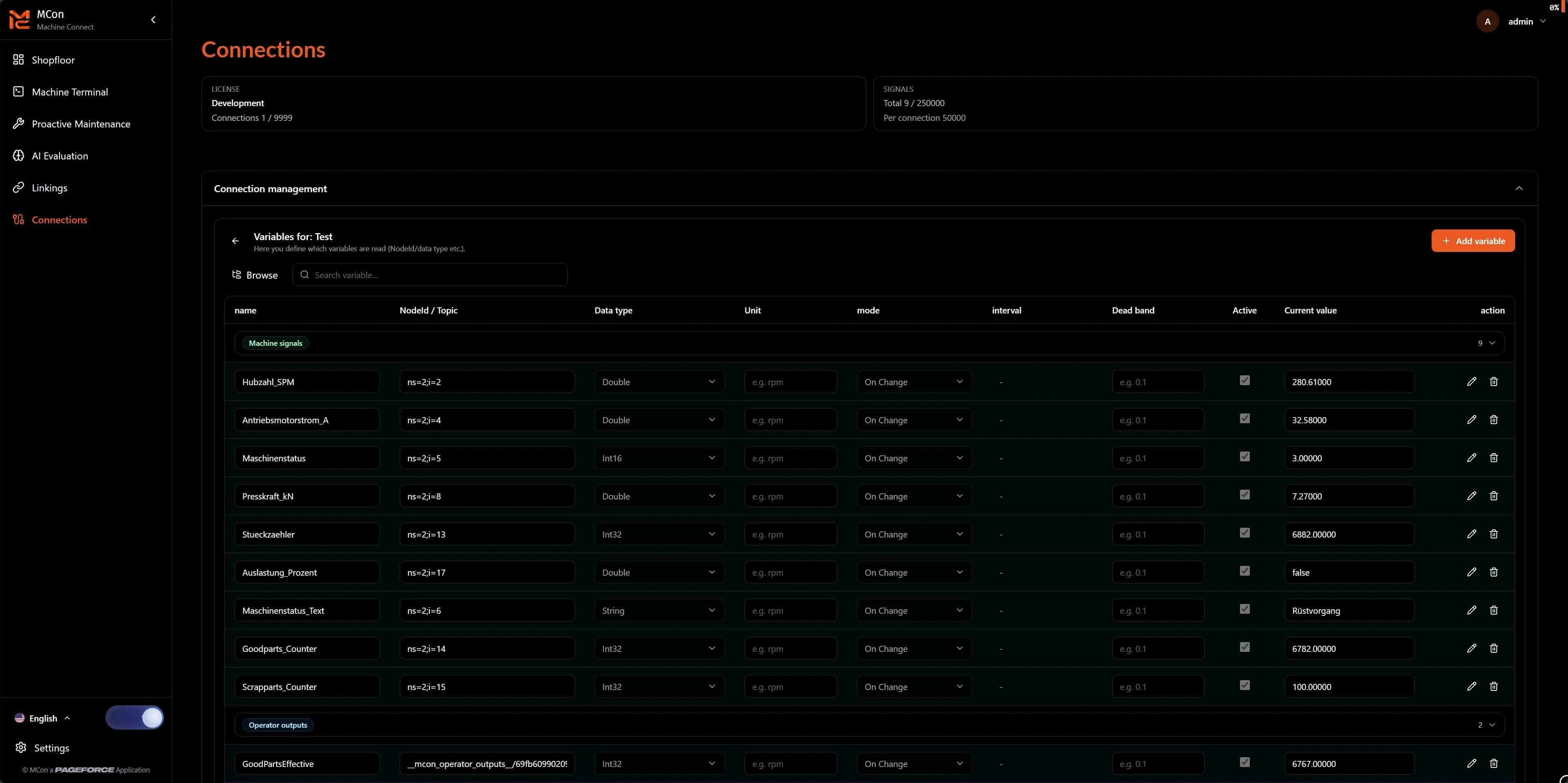
Configure, test and provide industrial connections for the other modules.
Feature details
The shopfloor shows machines, plant areas and important states in a clear interface.
Machine-adjacent information, operating states and relevant values are bundled for daily operation.
Not every signal is available in the required form. Linkings prepare existing data for further evaluation.
Industrial connections are configured, tested and monitored centrally. Connected machine structures and relevant signals can be adopted from them.
Administrators can create users, assign roles and control access precisely.
MCon supports configurable interface areas, themes and user-specific settings.
Product status, editions, modules and limits can be made visible and unlocked for specific customers.
MCon combines industrial data connectivity with a browser-based interface.
Live preview
The interactive area shows core MCon functions in demo mode. An operable shopfloor stays fixed on the left while user management, themes and connections are controlled on the right with realistic sample data.
This gives a direct impression of how MCon structures and visualizes machine information and makes it useful for everyday work.
Shopfloor
Frames
3
Connections
5
Users
0
Technical advantages
MCon runs as a modern web application and is available through the browser.
The interface is designed around machines, plant areas, states and production KPIs.
Interfaces, modules and signal models can be extended depending on project status.
License management, modules and limits support customer-specific deployments.
Next step
Let us review together how MCon can be used in your production environment – from the first machine connection to a custom shopfloor.